



.webp)
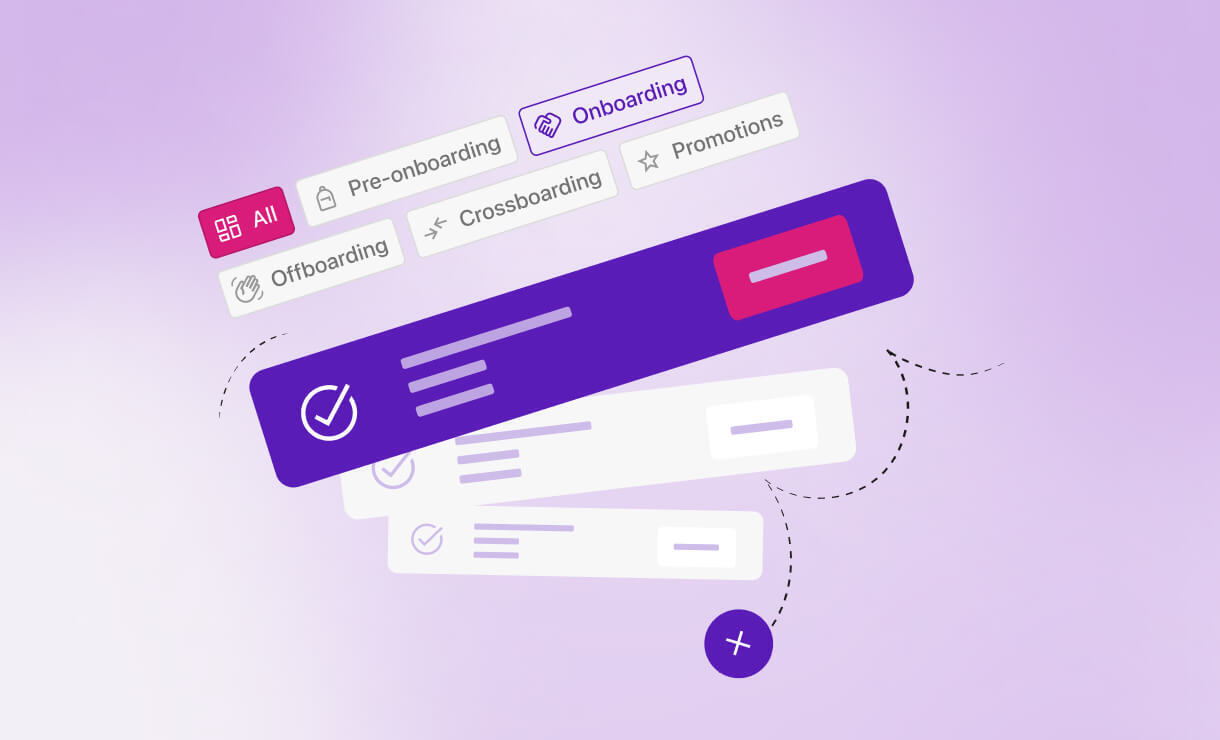
Most companies think onboarding software is just for onboarding. At Tellent, we use Journeys for everything from the moment someone signs their contract to the day they leave. Here’s how — and why it matters.
When someone accepts a job offer, the real work begins. Not just for them — for the People team, the hiring manager, IT, and sometimes even the office manager. There are contracts to draft, equipment to order, introductions to schedule, and a dozen other tasks that need to happen before that new hire even walks through the door.
At Tellent, we use our own product, Journeys, to manage it all. And while Journeys was originally designed for pre-onboarding and onboarding, we’ve found that its real power lies in how it supports the entire employee lifecycle — from the first signature to the final handover.
Here’s a look at the five ways we use Journeys internally, and the problems each one solves.
1. Pre-onboarding: collecting the right data before day one
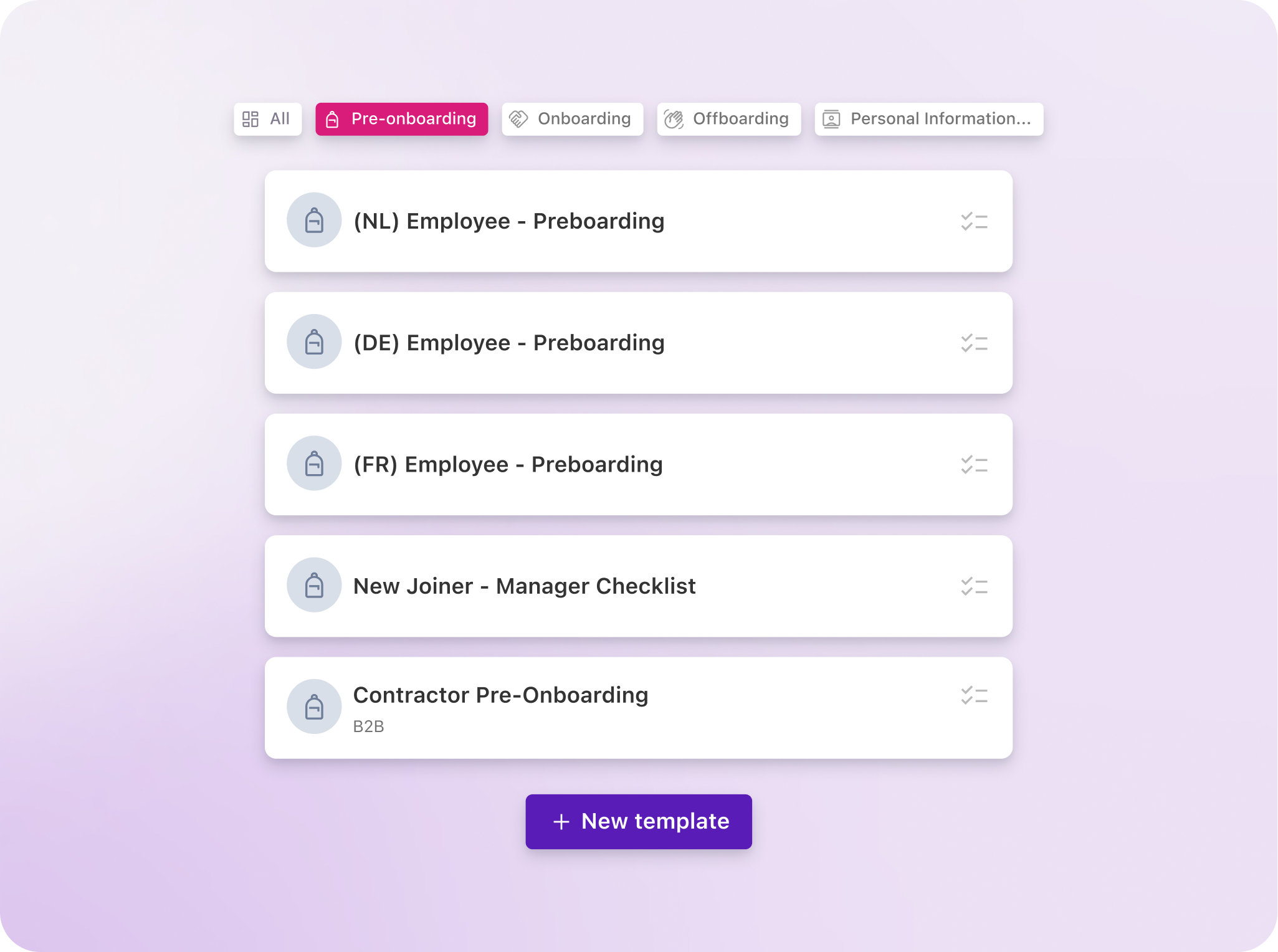
The moment a candidate accepts their offer, we kick off a pre-onboarding Journey. This is where we collect the personal information we need to draft their employment contract — things like address details, bank information, and identification documents.
Before Journeys, we used to send new joiners a lengthy Google Form via email, asking them to fill it out and upload a copy of their ID. Once completed, the People team had to manually transfer all of that information into Tellent HR. Multiply that by every new hire, and you’re looking at significant time spent on manual double data entry — with the inevitable risk of human error. If a field was missing, our office manager had to chase the employee to complete it. Not a great first impression.
Now, the candidate fills in their information directly through Journeys, and it feeds straight into Tellent HR. The data is accurate because the candidate entered it themselves, it’s secure because it lives within our system, and nobody on the People team has to copy-paste anything. We even get automatic notifications when an uploaded ID is about to expire, 90 days in advance.
It sounds simple, but this step alone has saved us hours of admin and made our contract process significantly faster. To date, we’ve launched and completed over 150 Journeys across the company, with a 100% completion rate on pre-onboarding. And because we operate across multiple countries, we’ve built location-specific templates that account for the different personal information and documents required by each jurisdiction, so the process scales without creating extra complexity.
2. Onboarding: making sure nothing falls through the cracks
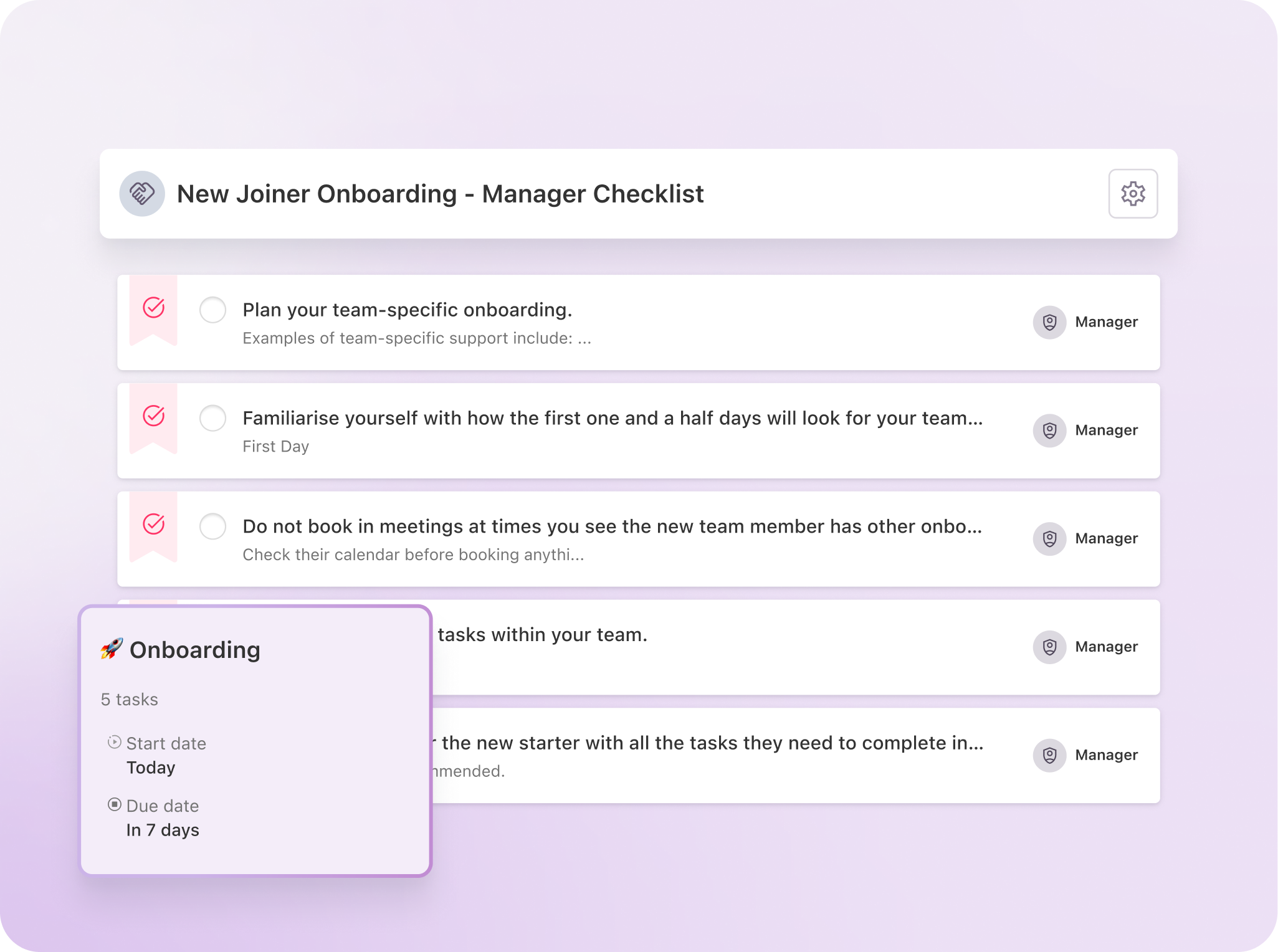
Our onboarding process involves multiple stakeholders, and that's exactly where things tend to go wrong if you don't have a clear system in place.
With Journeys, we run onboarding on two tracks.
The first is candidate-facing. What can you expect on your first day? A welcome message, a countdown to their start date, and practical information like when to arrive and what to bring. It's simple, but it keeps the new hire engaged and informed during the waiting period — which matters more than you might think (more on that in a moment).
The second track is internal — and this is where the real complexity lives. When someone new joins, it's not just the People team that needs to act. The hiring manager gets reminders to send a welcome email, schedule one-on-ones within their department, and block time around company-wide onboarding sessions. IT gets a checklist to prepare a laptop and set up access to the right tools. The office manager makes sure equipment and workspace are ready.
Each stakeholder has their own checklist, and as a People Ops team, we can track all of it in one place — we see who's checked their boxes and who hasn't.
Why this matters: if there's no contact between contract signing and day one, you run a real risk — especially in blue-collar roles — that people simply don't show up. And in competitive industries where candidates have multiple offers, a silent waiting period is an open invitation for another company to poach them. In countries like France, where a three-month notice period is standard, that risk is even higher.
A structured onboarding Journey keeps the new hire engaged and ensures the team behind the scenes is prepared. Nobody should have to ask how late they're expected in the office the Friday before they start.
3. During employment: keeping data current and events organized
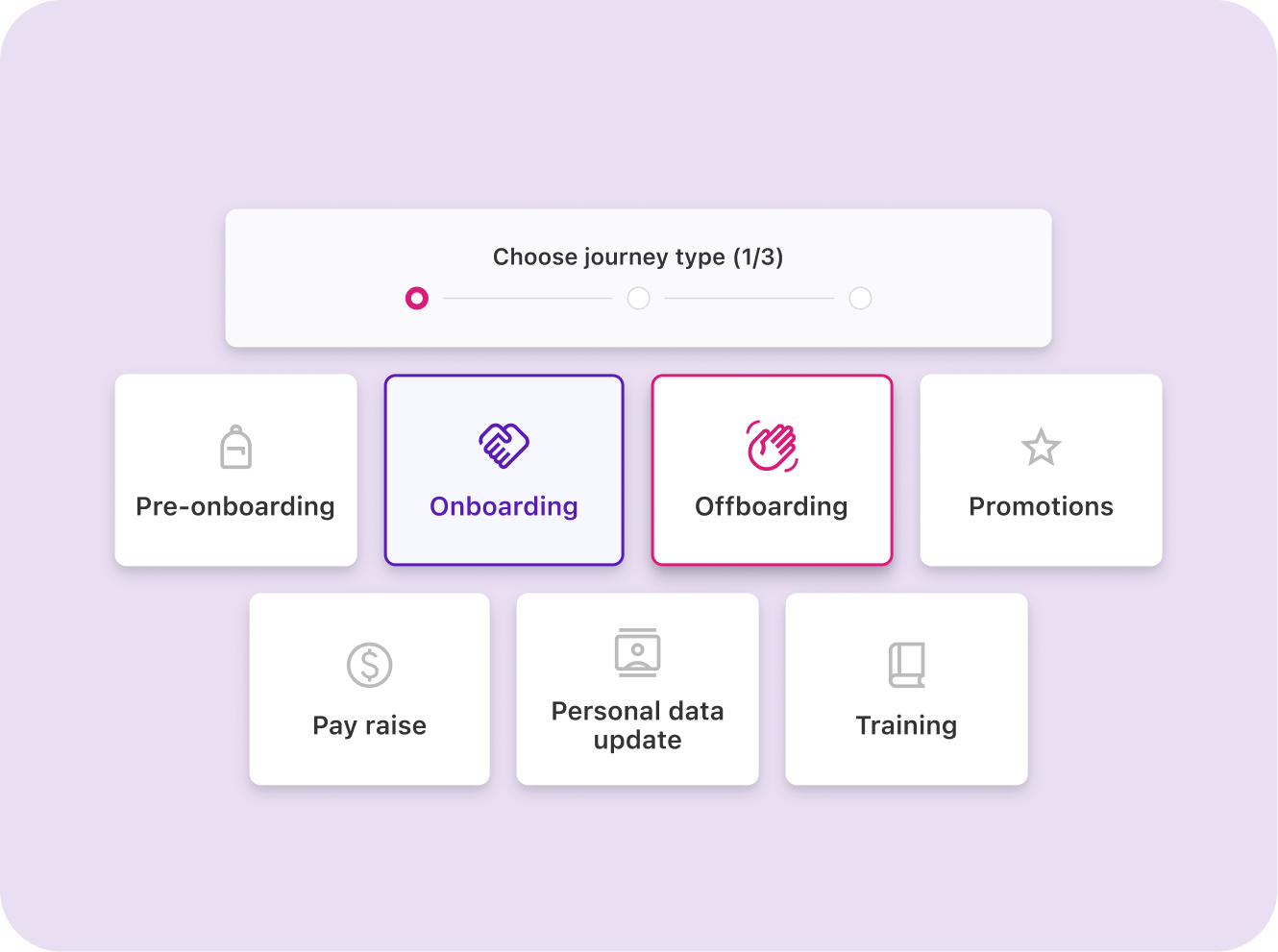
Most people think of Journeys as an onboarding tool. But once someone is employed, there are plenty of moments when you need to collect or update information — and Journeys handles that, too.
We use it for two recurring scenarios.
The first is annual personal data updates. Every year, we ask employees to confirm that their home address, emergency contact, and other personal details are still accurate. It sounds like a small thing, but outdated emergency contacts or old addresses can create serious problems when you actually need that information.
The second is event planning. When we organize an internal event, we use Journeys to collect T-shirt sizes and dietary preferences, and to confirm that emergency contacts are up to date. It replaces a chain of emails or Slack messages—and everything is stored centrally.
4. Sick leave compliance: meeting deadlines that carry real consequences
This is one of the less obvious use cases, but for us in the Netherlands, it’s one of the most important.
Dutch companies are required to follow a strict timeline during long-term sick leave. There are mandatory check-ins, reports to government agencies, and specific actions that must occur at specific intervals. If you miss a deadline, the financial consequences for the company can be significant.
We use Journeys to build those timelines and set automated reminders. When someone enters long-term sick leave, the Journey maps out every milestone: in 40 days, this needs to happen; at six weeks, file this report. It takes a high-stakes, easy-to-forget compliance process and turns it into a structured, trackable process.
While this example is specific to the Netherlands, every country has its own regulatory requirements around sick leave, parental leave, or workforce changes. The principle is the same: if there’s a timeline and a consequence for missing it, Journeys can help you stay on top of it.
5. Offboarding: the step most companies overlook
In our experience, offboarding is where companies lose the most money and take on the most risk without even realizing it.
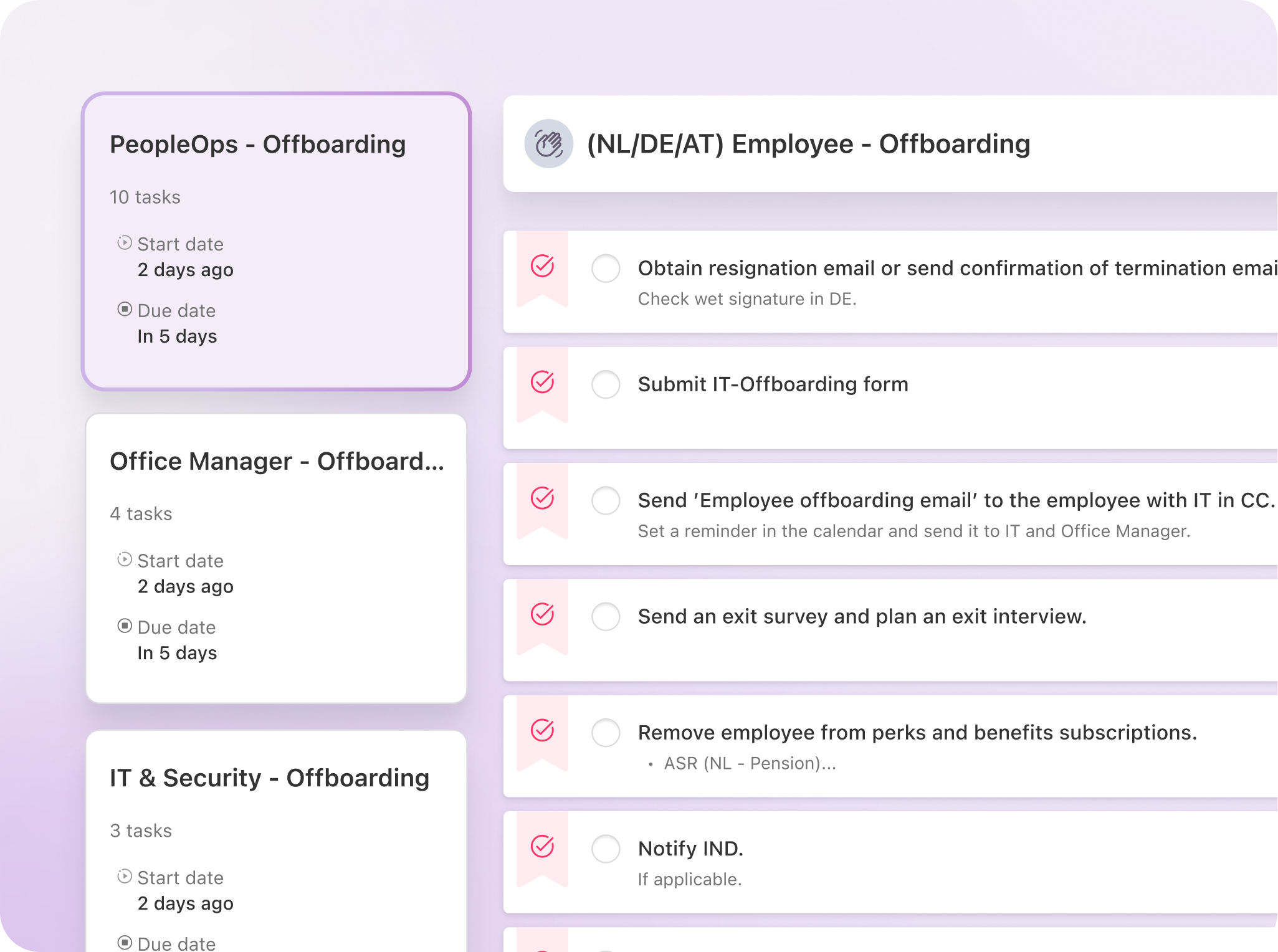
When someone leaves, there’s a checklist of tasks that need to be completed across multiple teams. People Ops handles the administrative side. The manager wraps up knowledge transfer and final conversations. IT needs to revoke access to every tool and system. The office manager collects equipment, access cards, and, in the Netherlands, the NS business card for public transport.
Without a structured process, things slip. And when they slip, the costs add up quickly. We’ve seen cases at other companies where former employees were still using a company-issued transport card a year after leaving, or still enjoying secondary benefits from their old employer. That’s a direct cost problem.
But the bigger risk is security. If a former employee still has access to Slack, internal documents, or company systems, you’re facing a data security issue. And if that person happens to join a competitor? That’s not just a security threat — it’s a legal one.
Our offboarding Journey assigns clear ownership to each stakeholder and gives everyone visibility into what’s been done and what’s still outstanding. It’s one of the most straightforward Journeys to set up, and in our view, it delivers the highest return.
Why this approach works
The common thread across all five use cases is this: Journeys takes processes that involve multiple people, multiple steps, and real consequences for getting it wrong — and gives them structure, visibility, and accountability.
We didn’t start using Journeys because we were told to. We started using it because, as a People team managing employees across multiple countries, we needed a way to make sure nothing fell through the cracks. The fact that it’s our own product is a nice bonus — but we’d use it regardless.
If you’re currently managing any of these processes through spreadsheets, email chains, or memory, it might be time to consider what a structured approach could save you — in time, in money, and in risk.